(Optional) How to Verify Redemption Codes
Learn how to use the Redemption feature in the Swoodle Merchant Portal to validate customer Swoodle codes and monitor redemption activity.
Support Video
Watch this short video for a visual walkthrough.
-
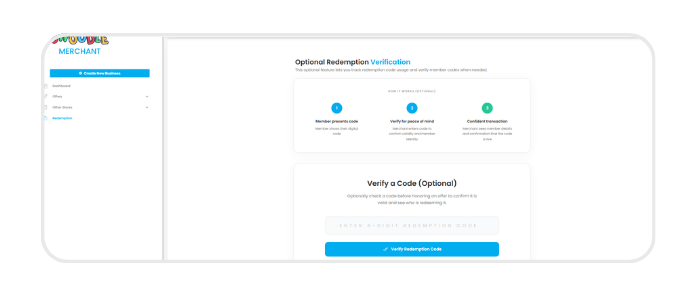
Step 1: Navigate to ‘Redemption’
Select ‘Redemption’ from the left hand menu to verify Swoodle codes.
-
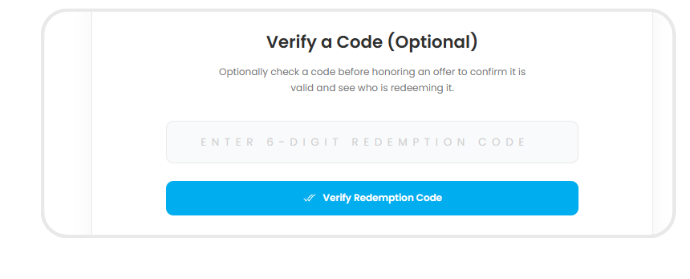
Step 2: Enter redemption code
As the merchant, enter the Swoodle code provided by the customer and click ‘Verify Redemption Code’ to confirm its validity.
-
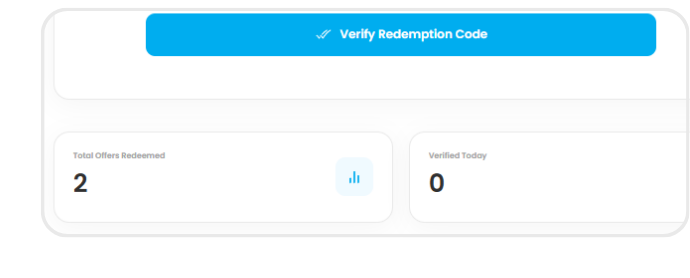
Step 3: Track total offers redeemed
View the total number of redeemed offers and other key metrics.
-
Step 4: Review recent activity
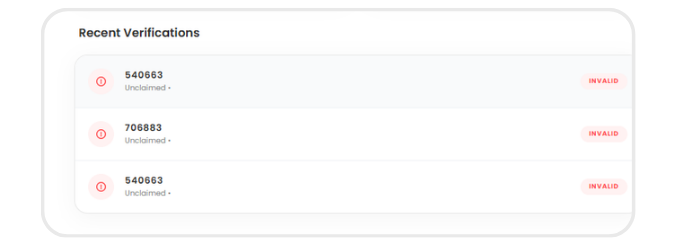
See a list of recently entered codes and their status for quick references