
How to Navigate the App
Learn how to navigate through the Swoodle app to discover offers and savings, explore categories, and manage your activity.
Support Video
Watch this short video for a visual walkthrough.
-
Feature 1: Home screen overview
View featured offers, recommended deals, and highlights tailored to your preferences.

-
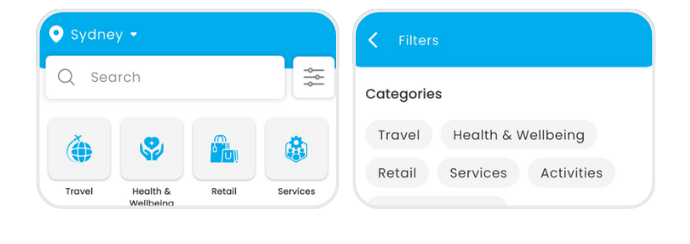
Feature 2: Search & filter
Search for specific merchants or filter offers by category, location, or type.
-
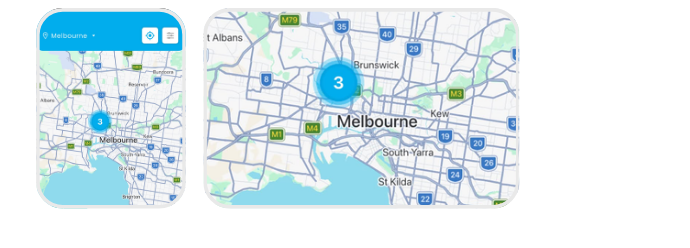
Feature 3: Map view
Use the map feature to find offers and merchants near your location.
-
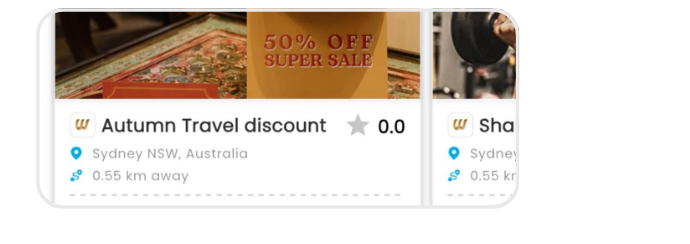
Feature 4: Offer details page
Tap an offer to view details, terms, and redemption instructions.
-
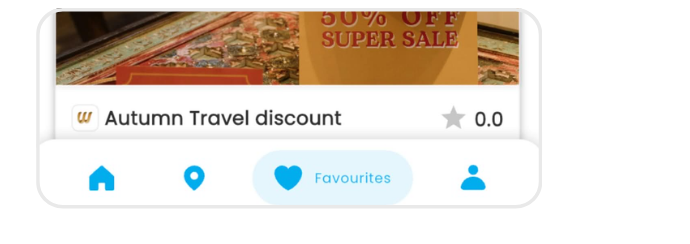
Feature 5: Favorite offers
Save offers to easily access them later.
-
Feature 6: Profile & activity
Manage your profile, view your activity, and track redeemed offers.