How to Create Your Marketing Page
Learn how to set up and customise your marketing page.
Support Video
Watch this short video for a visual walkthrough.
-
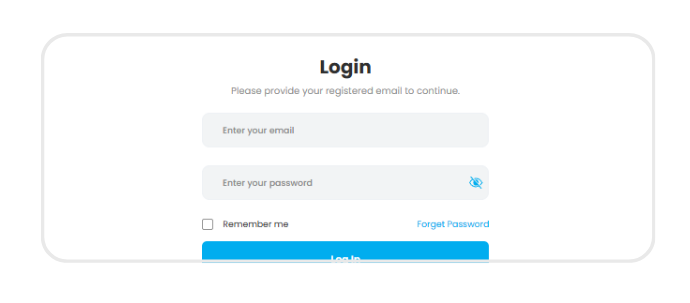
Step 1: Log in
Log in to your Fundraiser Portal and go to ‘Marketing Page’ to begin creating your campaign page.
-
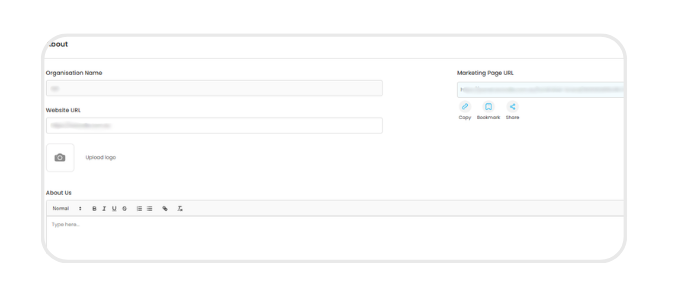
Step 2: Fill in details
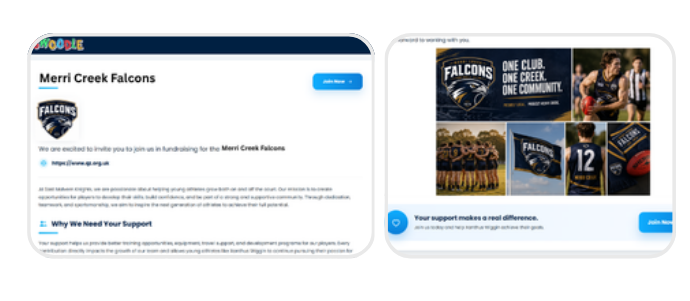
Enter your fundraiser name, About Us, reason for support, and upload your logo, banner, and images.
-
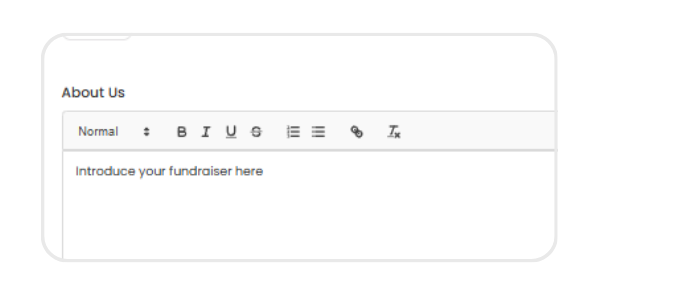
Step 3: Introduce your fundraiser
Add clear messaging and strong visuals to explain your cause and encourage supporters to engage.
-
Step 4: Go live
Your marketing page goes live once published and can be updated anytime as your campaign grows.
-
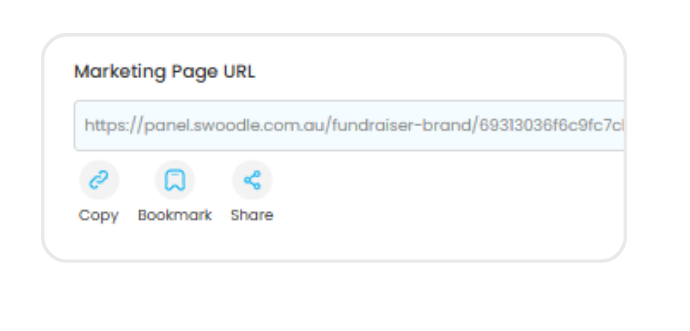
Step 5: Share your page URL
Copy and share your unique Marketing Page link with supporters across email, social media, and your network.