How to Manage Funds
Learn how to view and manage your fundraising earnings, track transaction activity, and withdraw available funds from the Fundraiser Portal.
Support Video
Watch this short video for a visual walkthrough.
-
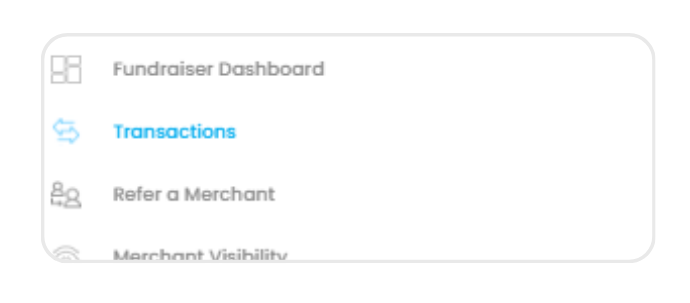
Step 1: Navigate to transactions
From the left menu, select “Transactions” to view your fundraising earnings and activity.
-
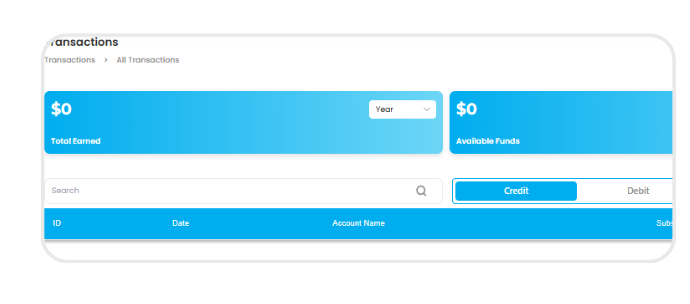
Step 2: View earnings
Review your total, available, and pending funds to monitor your fundraising status.
-
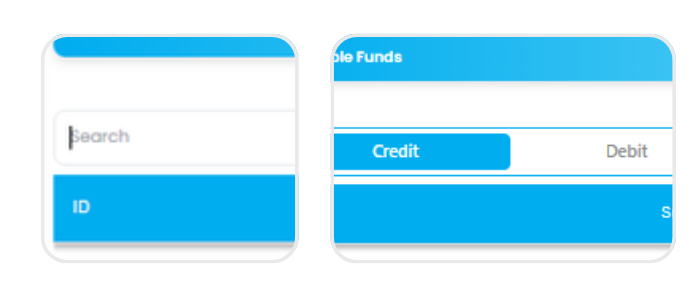
Step 3: Search & filter transactions
Use the search bar and credit/debit filters to quickly find and organise specific transactions.
-
Step 4: Review transaction details
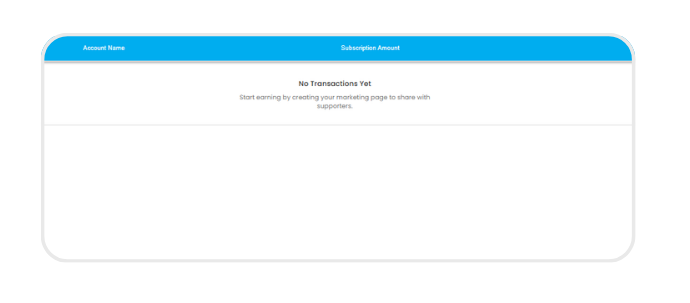
View a detailed list of transactions, including transaction ID, date, account name, and subscription amounts.
-
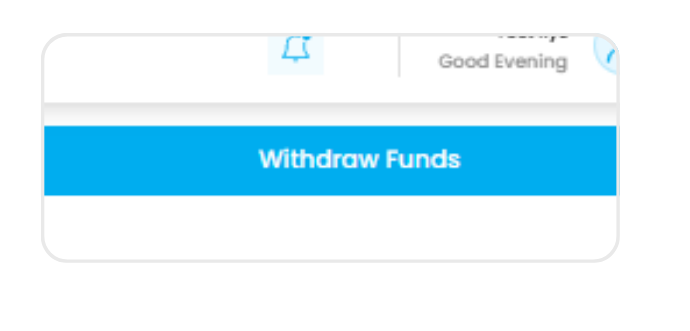
Step 5: Withdraw funds
Click “Withdraw Funds” to transfer your available balance to your nominated bank account.