How to Manage Merchant Visibility
Learn how to manage which merchants are visible to your supporters, helping you control exposure and tailor your fundraising experience.
Support Video
Watch this short video for a visual walkthrough.
-
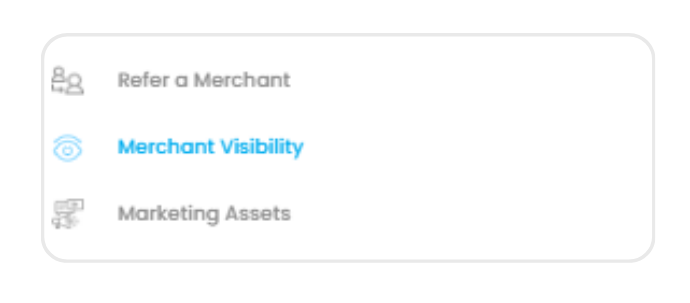
Step 1: Navigate to merchant visibility
From the left-hand menu, select ‘Merchant Visibility’ to access and manage merchant exposure.
-
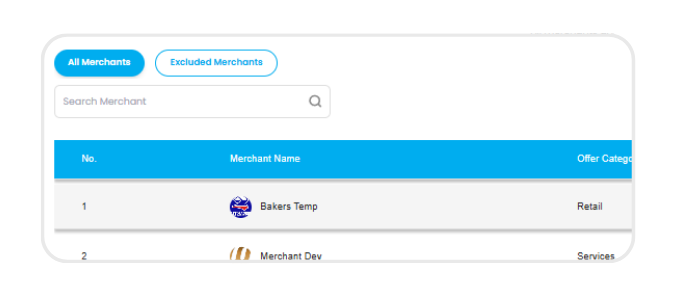
Step 2: View all merchants list
Browse the full list of available Swoodle merchants and review their categories, offers, and locations.
-
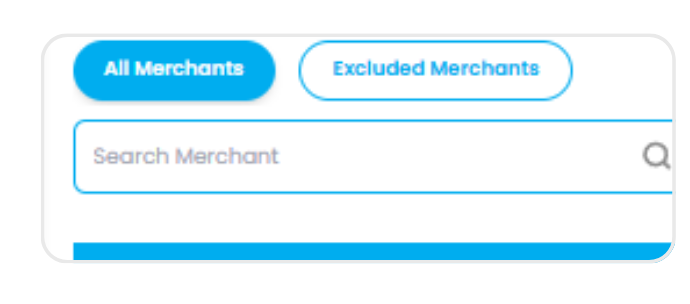
Step 3: Search & filter merchants
Use the search bar or apply filters by category to quickly find specific merchants.
-
Step 4: Adjust merchant visibility
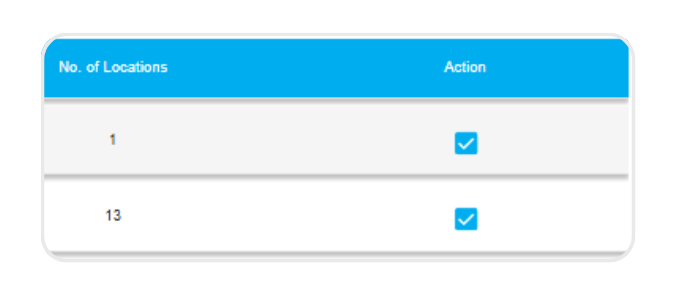
Uncheck a merchant to hide them from your supporters, giving you control over which businesses are visible.
-
Step 5: Manage excluded merchants
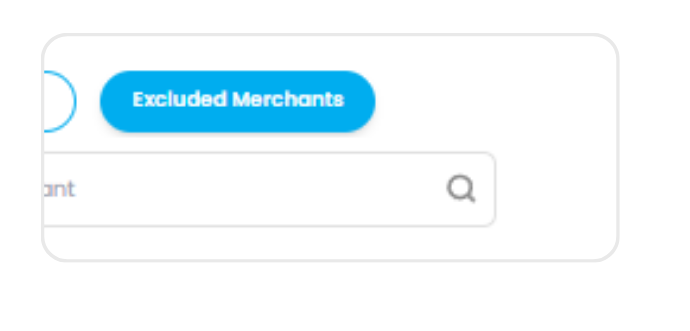
View hidden merchants in the ‘Excluded Merchants’ list and re-enable them at any time if needed.