How to Navigate the Dashboard
Learn how to navigate the Fundraiser Dashboard to track performance, monitor progress, and access key fundraising insights.
Support Video
Watch this short video for a visual walkthrough.
-
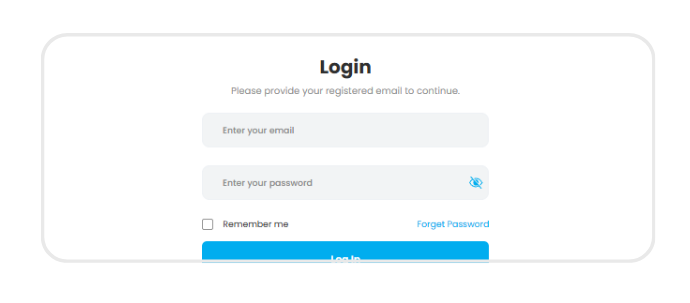
Step 1: Log in
Log in to your Fundraiser Portal to access your dashboard and manage your fundraising activity.
-
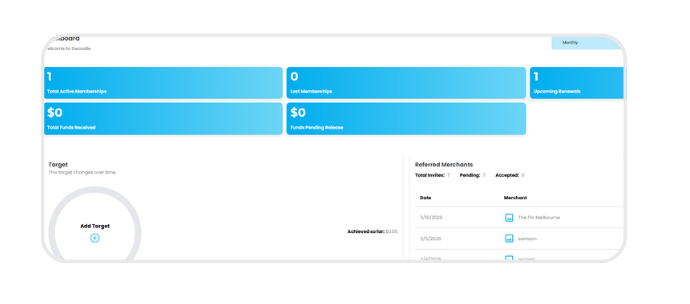
Step 2: Dashboard snapshot
View a snapshot of your fundraising performance, including total earnings, available funds, and pending funds generated from supporter membership fees.
-
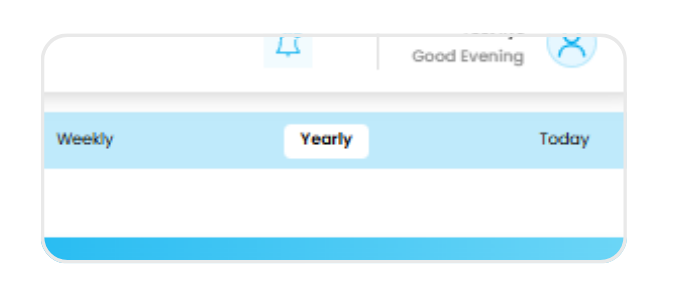
Step 3: Track performance
Monitor your results over time using daily, weekly, monthly, or yearly views to understand trends and growth.
-
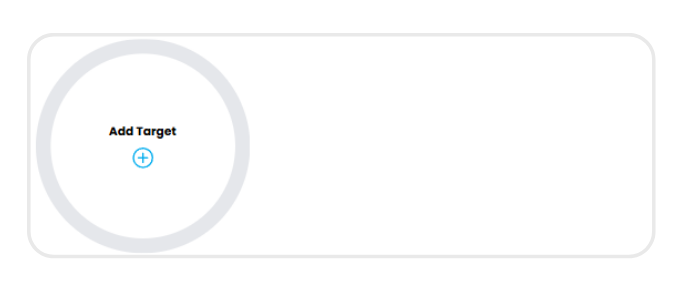
Step 4: Set fundraising target
Set a fundraising goal and timeframe to track progress and keep your campaign on track.
-
Step 5: Dashboard navigation tools
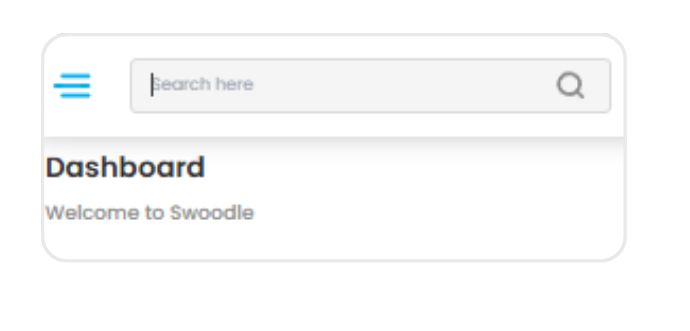
Use the search bar and menu to quickly access referrals, transactions, and marketing tools.