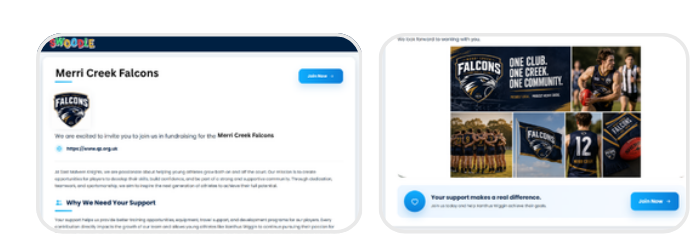
How to Navigate the Portal
Learn how to manage your fundraising campaign and grow your impact with Swoodle.
Support Video
Watch this short video for a visual walkthrough.
-
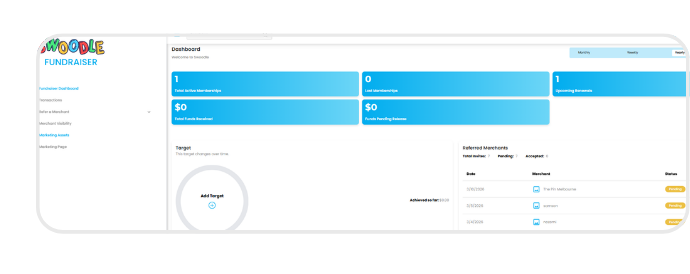
Step 1: Dashboard overview
Track your performance, set goals, and access key insights.
-
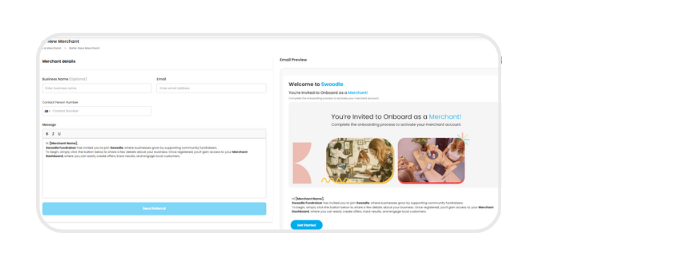
Step 2: Refer a merchant
Invite local businesses to join Swoodle and track their progress in your referral list.
-
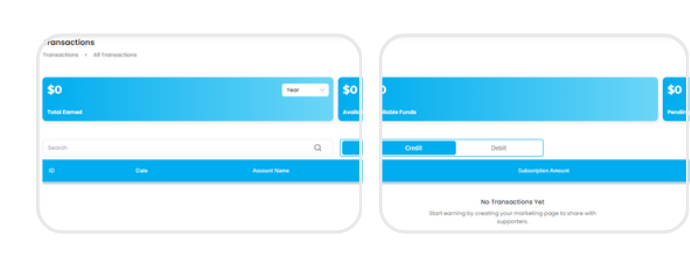
Step 3: Transactions
View your fundraising earnings, financial activity, and withdraw available funds.
-
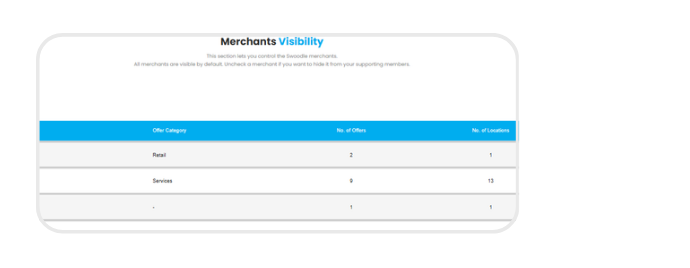
Step 4: Merchant visibility
Review and save your new location.
-
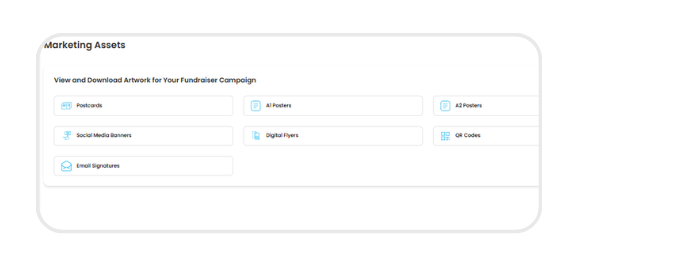
Step 5: Marketing assets
Access a variety of marketing assets to promote your fundraiser and attract more supporters.
-
Step 6: Marketing page
Create a marketing page to showcase your fundraiser, share your story, and inspire supporters to get involved.