How to Redeem Offers via App
Learn how to easily redeem offers through the Swoodle app, whether online or in-store.
Support Video
Watch this short video for a visual walkthrough.
-
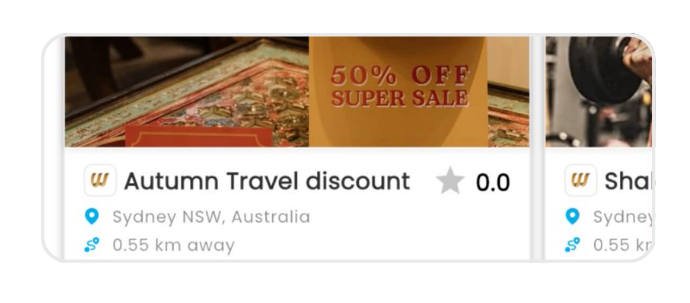
Step 1: Select an offer
Browse and select the offer you would like to redeem.
-
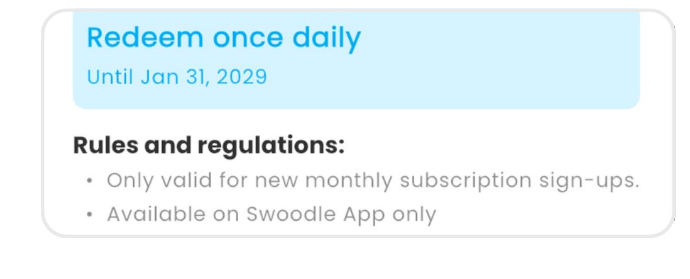
Step 2: Review offer details
Check the offer description, terms, and conditions before redeeming.
-
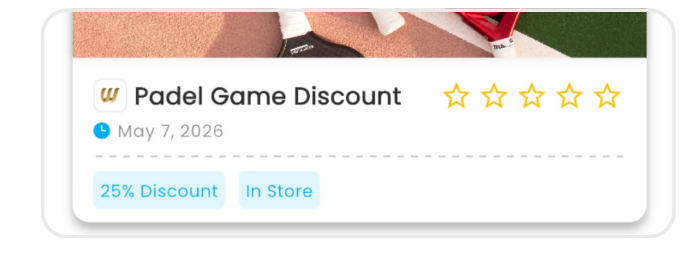
Step 3: In-store redemption
Show your Swoodle code, QR code, or barcode to merchant staff to redeem your offer in person.
-
Step 4: Online redemption
Follow the provided link or instructions to redeem your offer online.
-
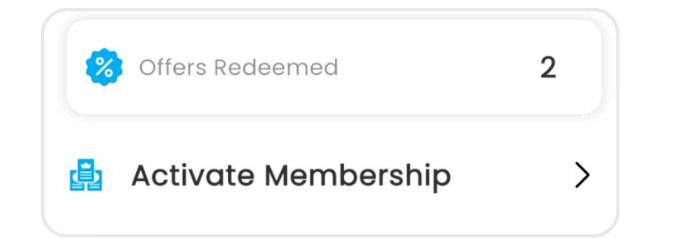
Step 5: Track your redemptions
View your redeemed offers and history within your profile section.