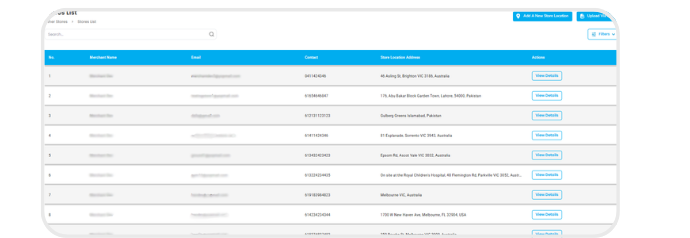
How to Add & Manage Stores
Learn how to add, view, and manage multiple store locations in the Swoodle Merchant Portal.
Support Video
Watch this short video for a visual walkthrough.
-
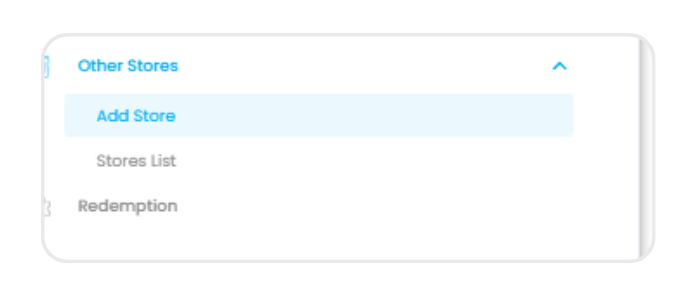
Step 1: Navigate to ‘Other Stores’
Select ‘Add Store’ under the Other Stores tab from the left menu.
-
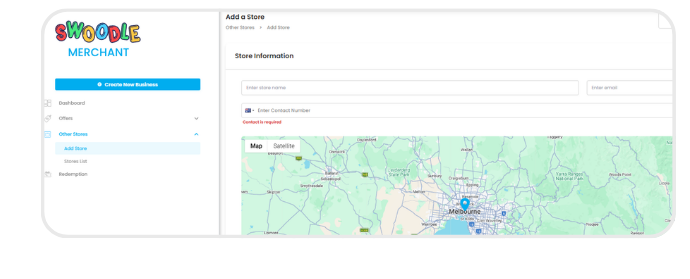
Step 2: Add a store
Click ‘Add Store’ to create a new location. And fill in your store name, contact details, and address.
-
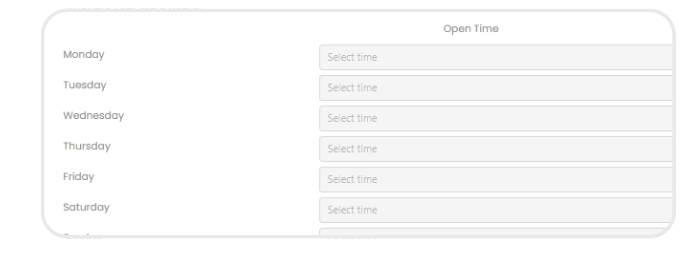
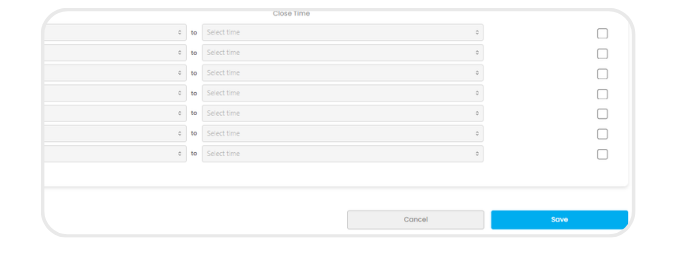
Step 3: Set location & hours
Pin your store on the map and enter business hours.
-
Step 4: Save your store
Review and save your new location.
-
Step 5: Manage your stores
Access Stores List to view, edit, delete, and manage all locations.