
How to Create an In-store Offer
Learn how Merchants can quickly create and launch in-store offers through the Swoodle Portal for customers to view and redeem in the app.
Support Video
Watch this short video for a visual walkthrough.
-
Step 1: Create an offer
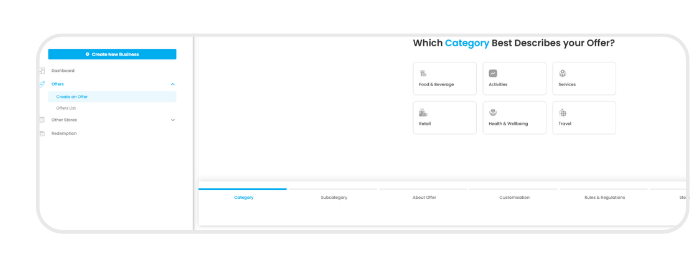
In the Swoodle Portal, go to the Offers tab and select ‘Create an Offer.’
-
Step 2: Select categories
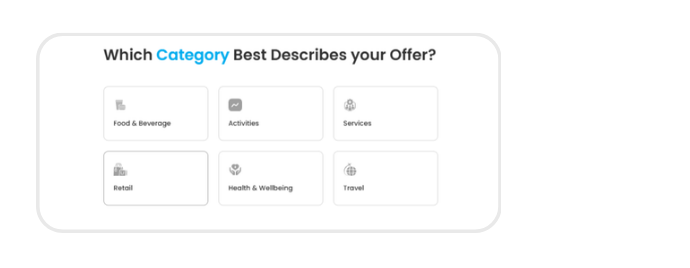
Choose your main category and relevant subcategories so customers can easily find your offer.
-
Step 3: Add offer details
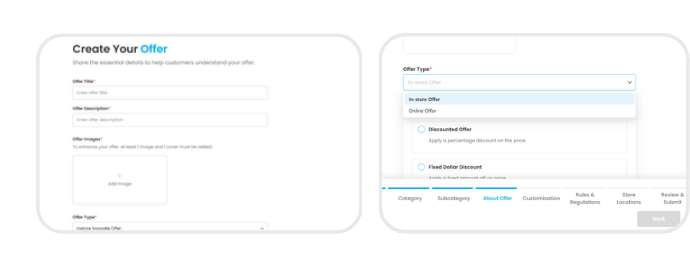
Enter your offer title, description, and key details, then select ‘In-store Offer’ under Offer Type.
-
Step 4: Customise your offer
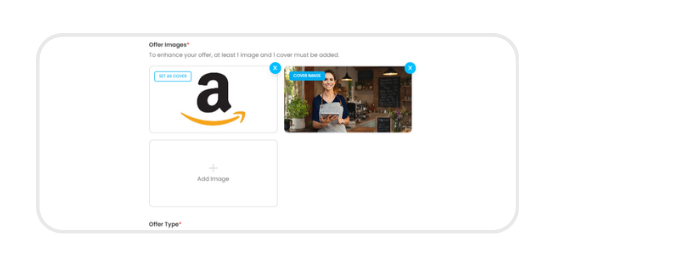
Upload images and personalise your offer’s appearance.
-
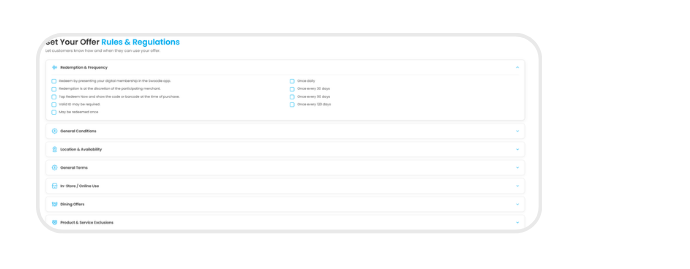
Step 5: Set Rules & store locations
Add terms, redemption rules, and the locations where customers can redeem the offer.
-
Step 6: Verify & submit for approval
Review your details, submit your offer for approval, and manage it anytime through your Offers List.