How to Navigate the Dashboard
Learn how to navigate the Dashboard homepage in the Swoodle Merchant Portal to view key metrics, monitor offer performance, and access customer insights.
Support Video
Watch this short video for a visual walkthrough.
-
Feature 1: Dashboard snapshot
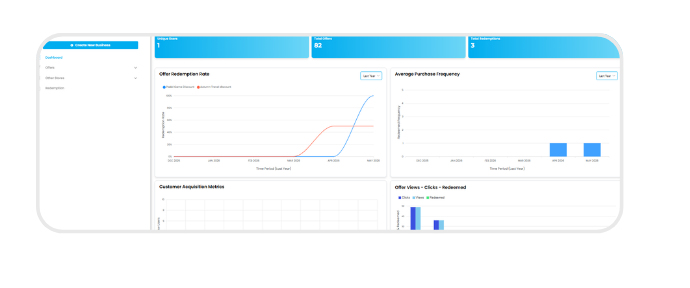
Log in to the Swoodle Portal to access your dashboard for a quick overview of activity, offers, data, and updates.
-
Feature 2: Offer activity
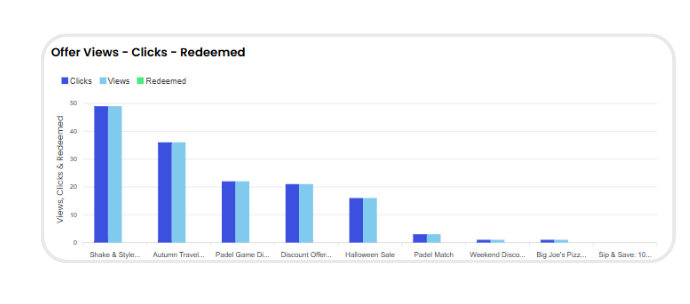
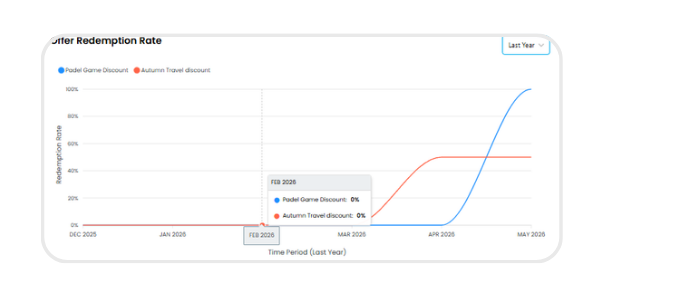
Track offer activity through views, clicks, and redemption trends.
-
Feature 3: Customer engagement
Monitor customer activity and average redemption frequency.
-
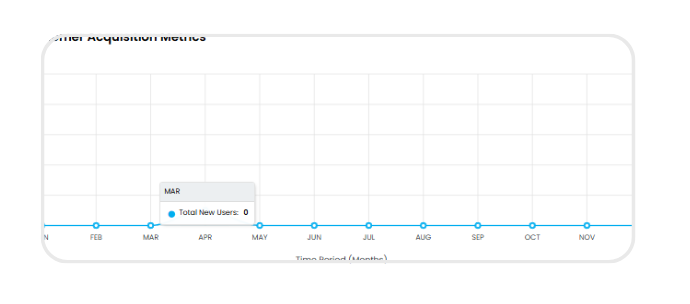
Feature 4: User growth & trends
See how many users are discovering and interacting with your business.
-
Feature 5: Customer insights
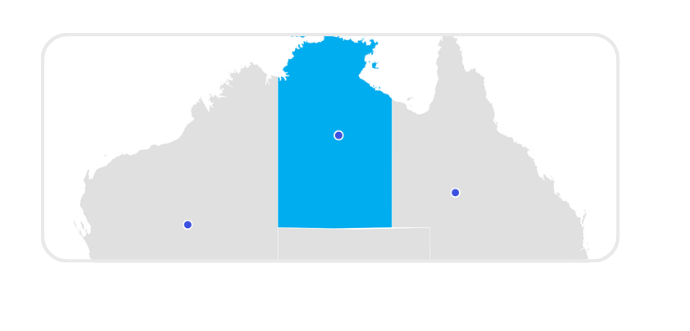
View profile visits, user demographics, and redemption location data.