How to Navigate the Portal
Get an overview of your Merchant Portal and its key features, including dashboard insights, offer management, store setup, and redemption tools.
Support Video
Watch this short video for a visual walkthrough.
-
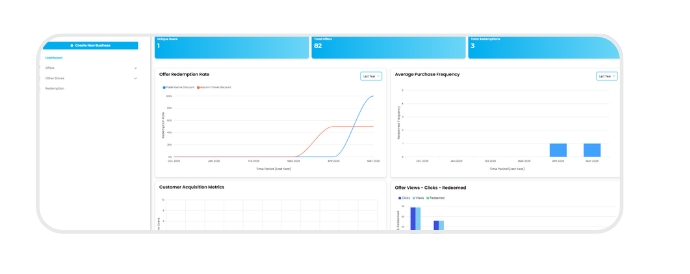
Feature 1: Dashboard snapshot
Log in to the Swoodle Portal to access your dashboard for a quick overview of activity, offers, data, and updates.
-
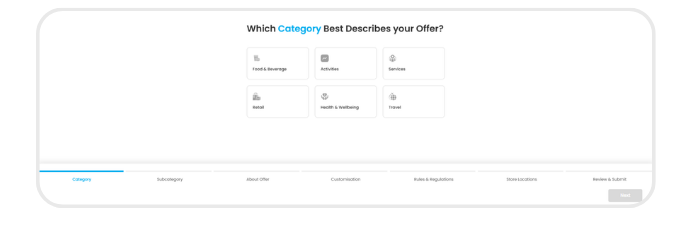
Feature 2: Create an offer
Create a new offer for customers to discover and redeem through the Swoodle app.
-
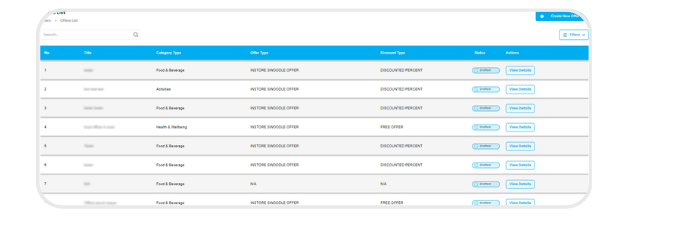
Feature 3: Manage offer list
View and manage all your existing offers in one place.
-
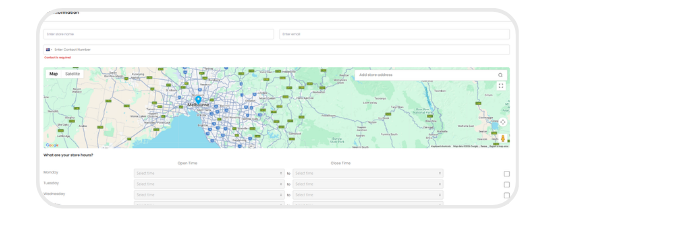
Feature 4: Add a store
Add your store details so customers know where they can redeem your offers.
-
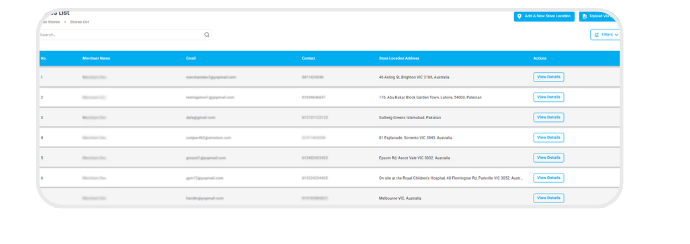
Feature 5: Manage store locations
View and manage all the store locations linked to your merchant account.
-
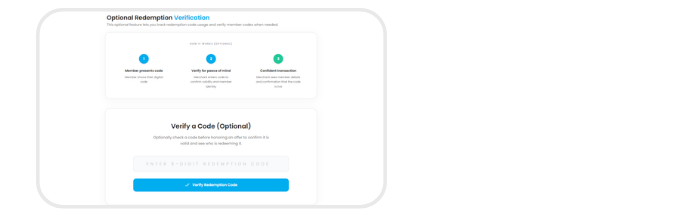
Feature 6: Verify redemption codes (optional)
Enter a customer’s Swoodle code to verify their offer.