How to Sign Up
Learn how a Merchant can sign up to Swoodle and create their account to start promoting both in store and online offers to customers.
Support Video
Watch this short video for a visual walkthrough.
-
Step 1: Join Swoodle
Start your registration by selecting the ‘Join Swoodle’ option via the website.

-
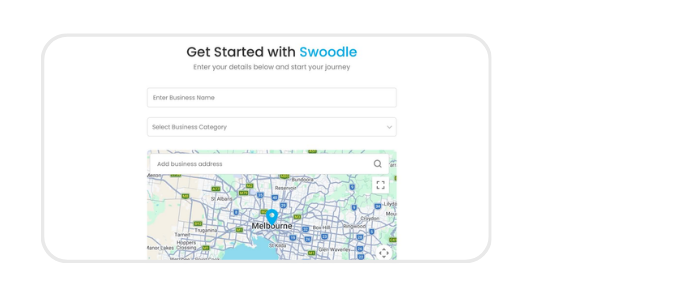
Step 2: Provide business details
Provide your business information to set up your merchant profile.
-
Step 3: Verify your email
Verify your email to continue signup.

-
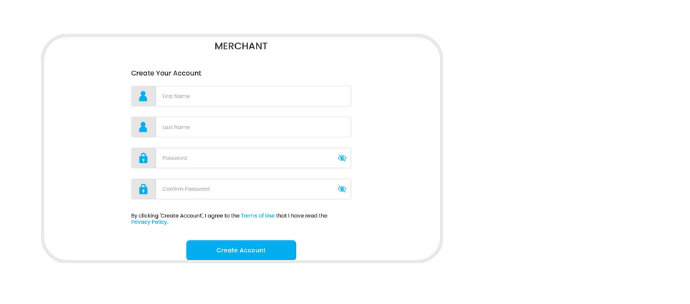
Step 4: Create a password
Choose a secure password to protect your account.
-
Step 5: Access the merchant portal
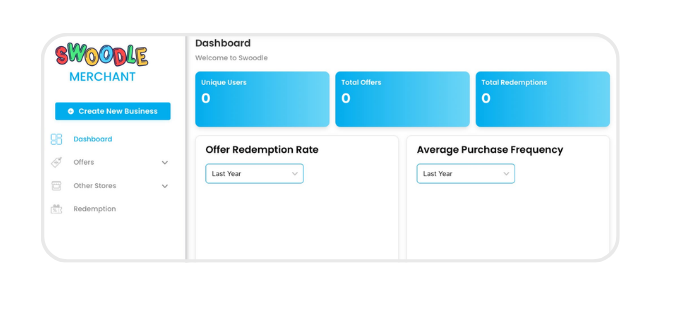
Log in to your merchant portal to start managing your business and offers!