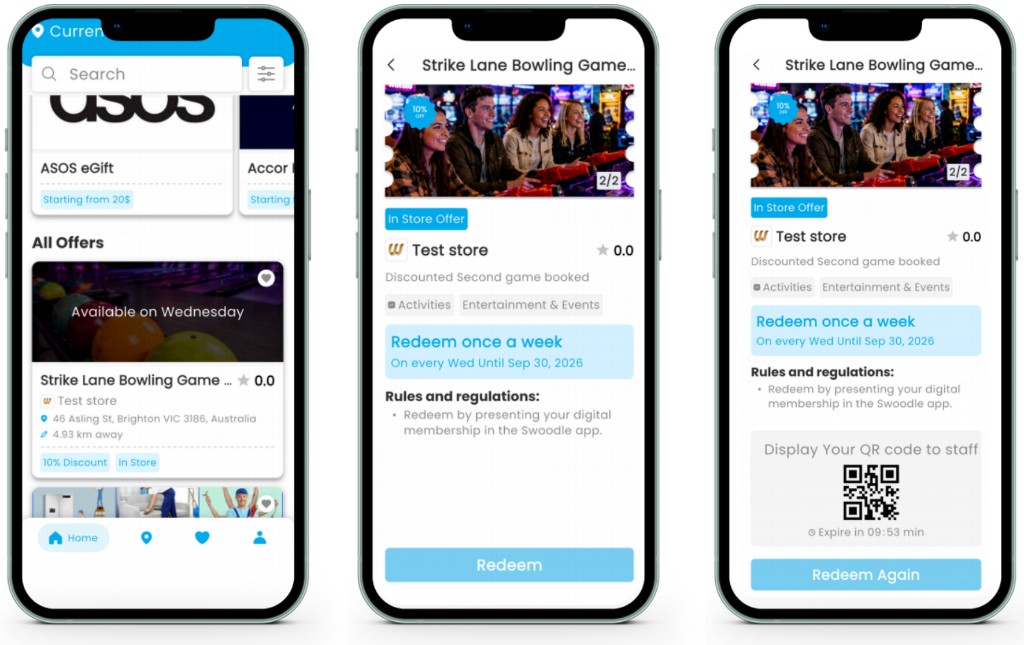
How Offer Approval & Launch Works
Learn how your offer moves from submission to approval, publication, and redemption within the Swoodle platform.
-
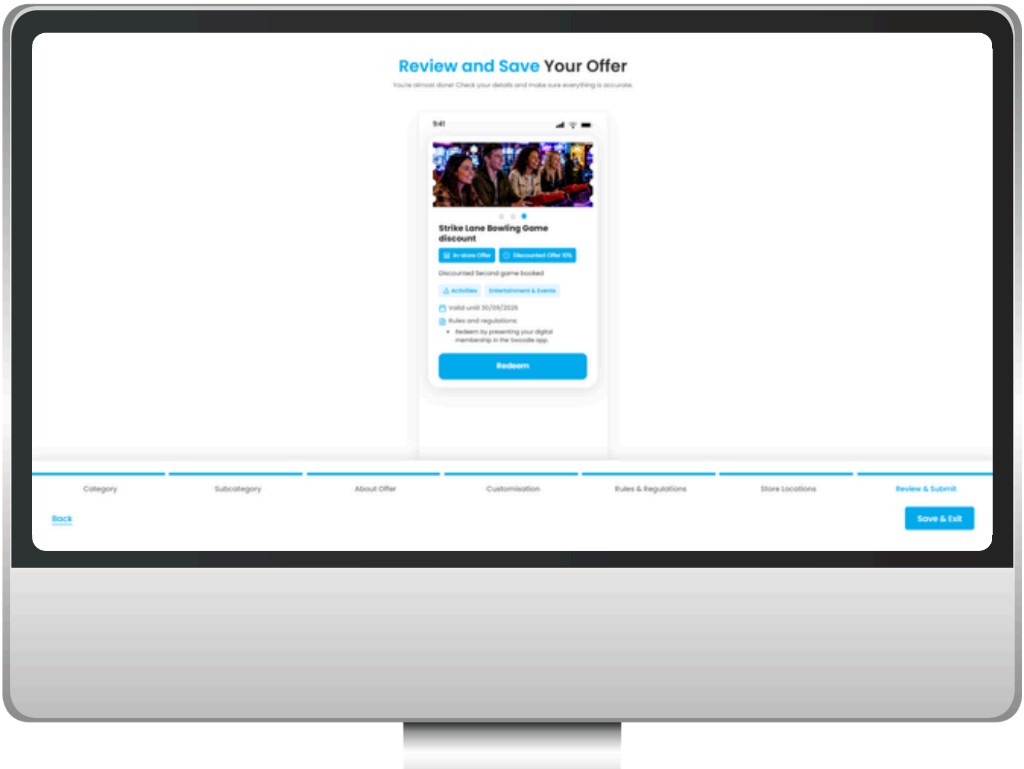
Step 1: Review & save your offer
Check that your offer title, value, images, locations, and rules are correct before you submit.
-
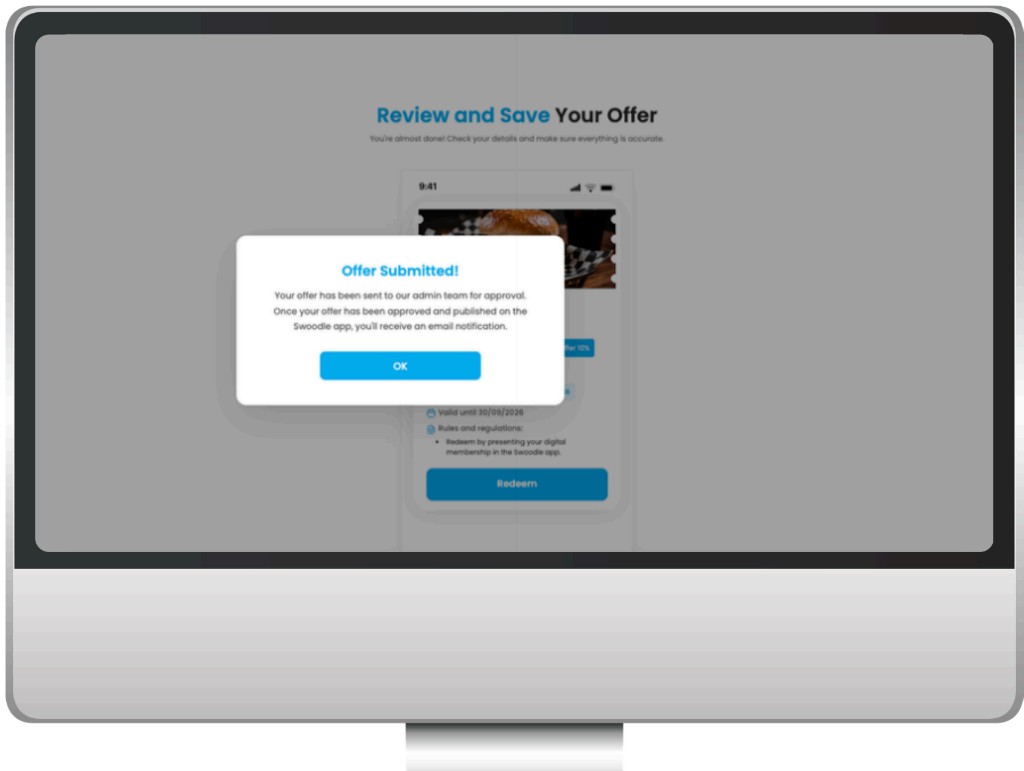
Step 2: Offer submitted for approval
Your offer is sent to the Swoodle admin team for review. You’ll receive an email once it is approved and published.
Quick tip: You can view offer status anytime in the Offers List in your Merchant Portal.
-
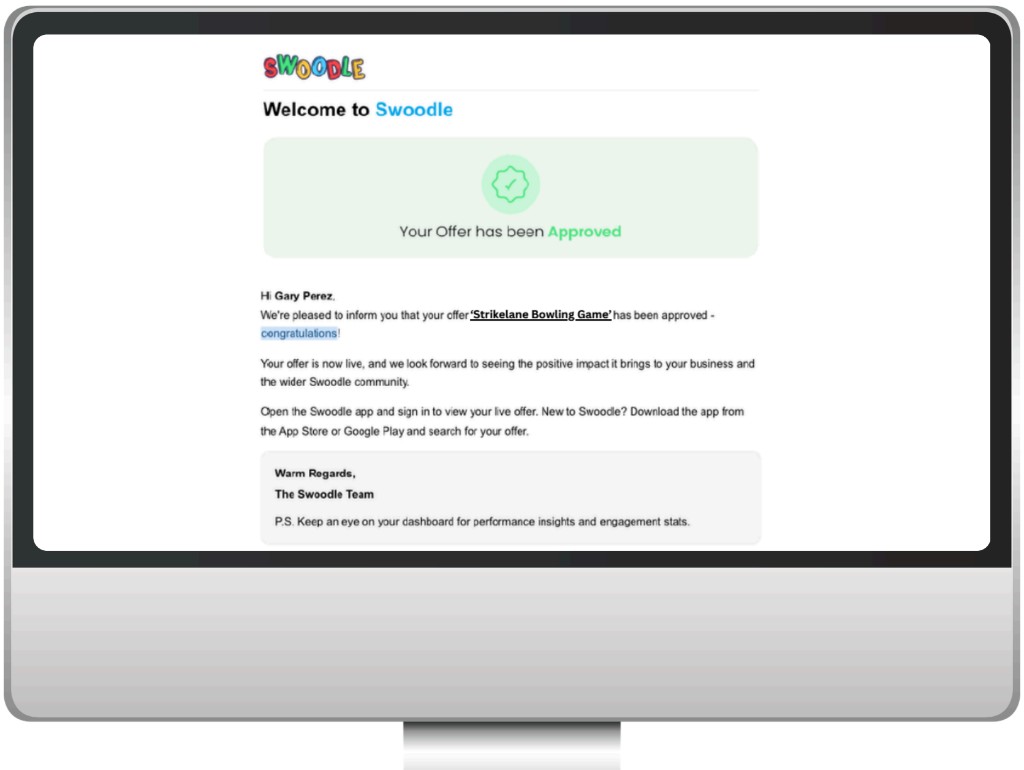
Step 3: Get notified when it goes live
Watch for the approval email, or open the Offers List tab to check progress. Approved offers show as ‘Live’.
Quick tip: Approved offers display ‘Live’ on the Offers List.
-
Step 4: Offer appears in the app
Once live, members can find and redeem your offer in the Swoodle app.
Quick tip: Track and verify redemptions via Redemptions in the portal.