
How to Download Marketing Assets
Learn how Fundraisers can access and download ready-to-use marketing materials for campaign promotion.
Support Video
Watch this short video for a visual walkthrough.
-
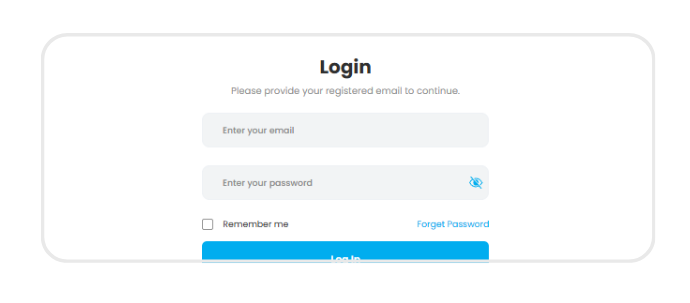
Step 1: Log in
Log in to your Fundraising Portal and go to ‘Marketing Assets’
-
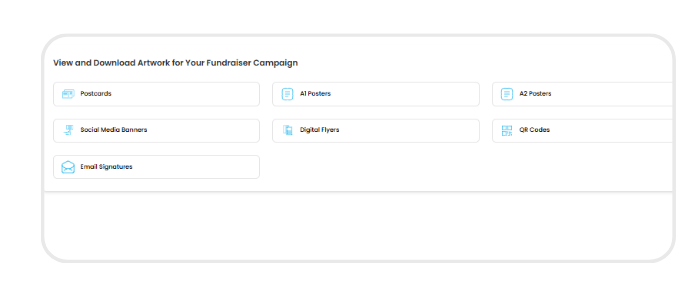
Step 2: Access marketing assets hub
Open the Marketing Assets section to view a full library of downloadable promotional materials.
-
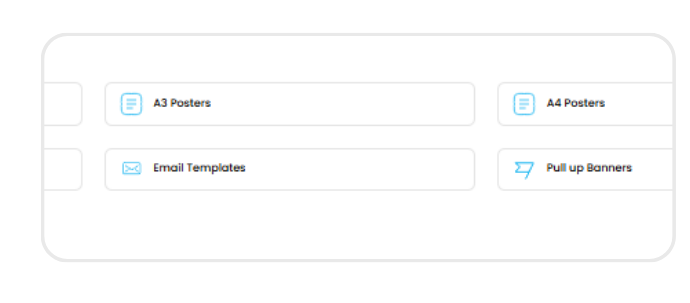
Step 3: Explore available assets
Browse a variety of materials including posters (A1 – A4) social media banners, flyers, QR codes, and email templates.
-
Step 4: Download assets
Click the download icon next to any asset to save it to your device and start sharing.