Merchant Quick Start
Designed for busy merchants. Follow the steps below to launch, maintain, and get the most out of your Swoodle partnership.
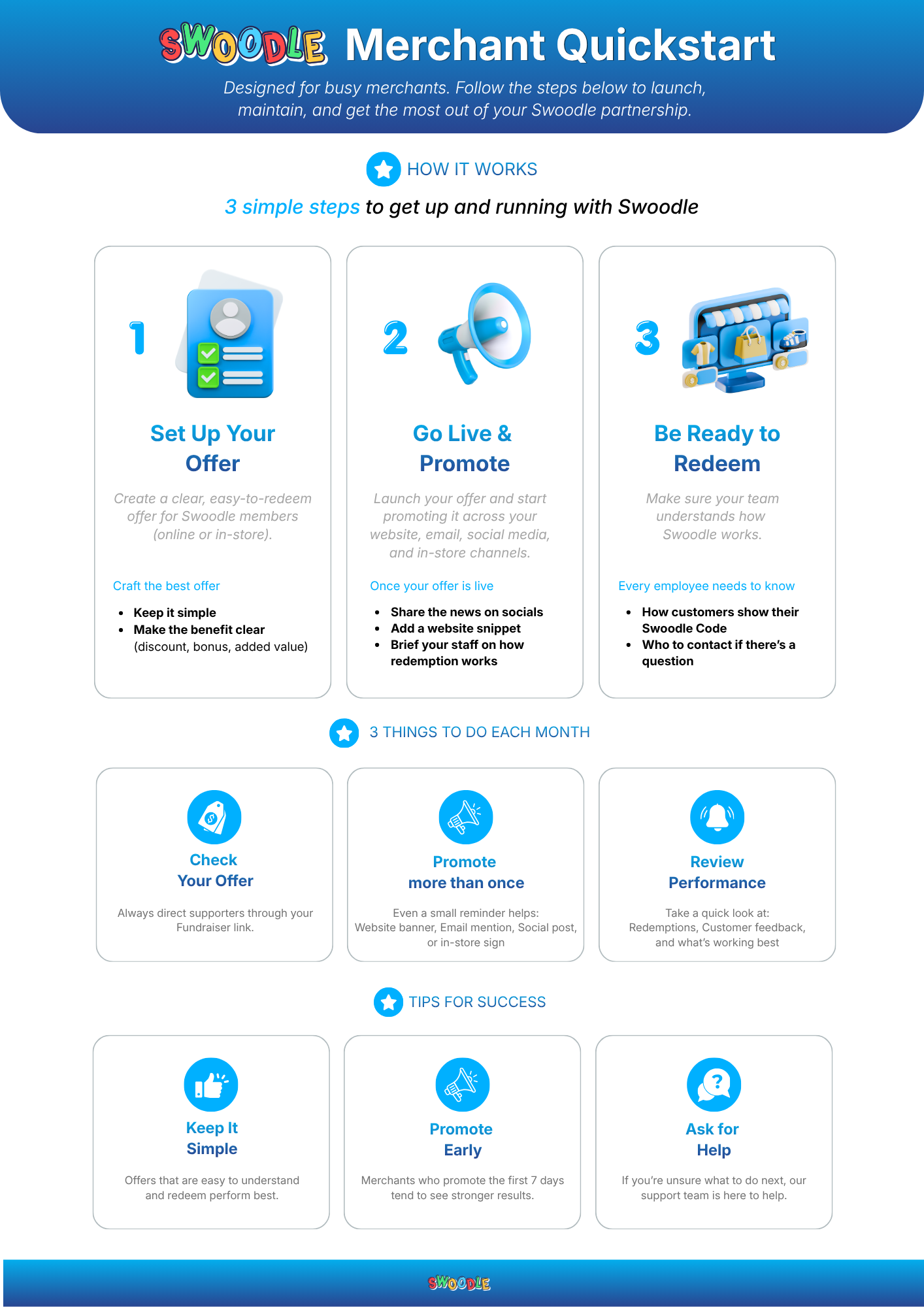
How it works

3 simple steps to get up and running with Swoodle
-

Set Up Your Offer
Create a clear, easy-to-redeem offer for Swoodle members (online or in-store).
Craft the best offer
- Keep it simple
- Make the benefit clear (discount, bonus, or added value)
-

Go Live & Promote
Launch your offer and promote it across your website, email, social media, and in-store channels.
Once your offer is live
- Share the news on socials
- Add a website snippet
- Brief your staff on how redemption works
-

Be Ready to Redeem
Make sure your team understands how Swoodle works.
Every employee needs to know
- How customers show their Swoodle code
- Who to contact if there’s a question
3 things to do each month
-

Check Your Offer
Review whether your offer is still clear, current, and easy to redeem.
-

Promote more than once
Even a small reminder helps: website banner, email mention, social post, or in-store sign.
-

Review Performance
Take a quick look at redemptions, customer feedback, and what’s working best.
Tips for success
-

Keep It Simple
Offers that are easy to understand and redeem perform best.
-

Promote Early
Merchants who promote in the first 7 days tend to see stronger results.
-

Ask for Help
If you’re unsure what to do next, our support team is here to help at support@swoodle.com.au.